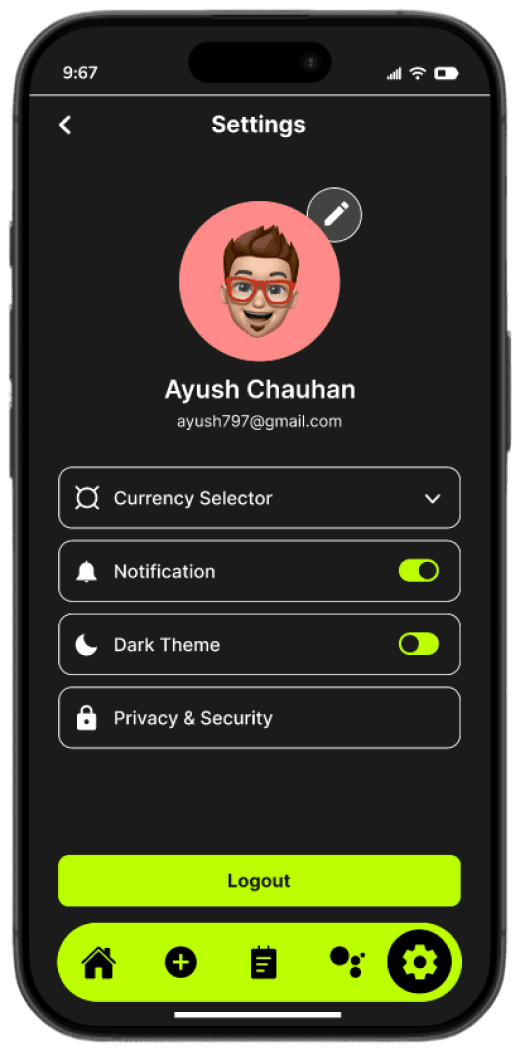
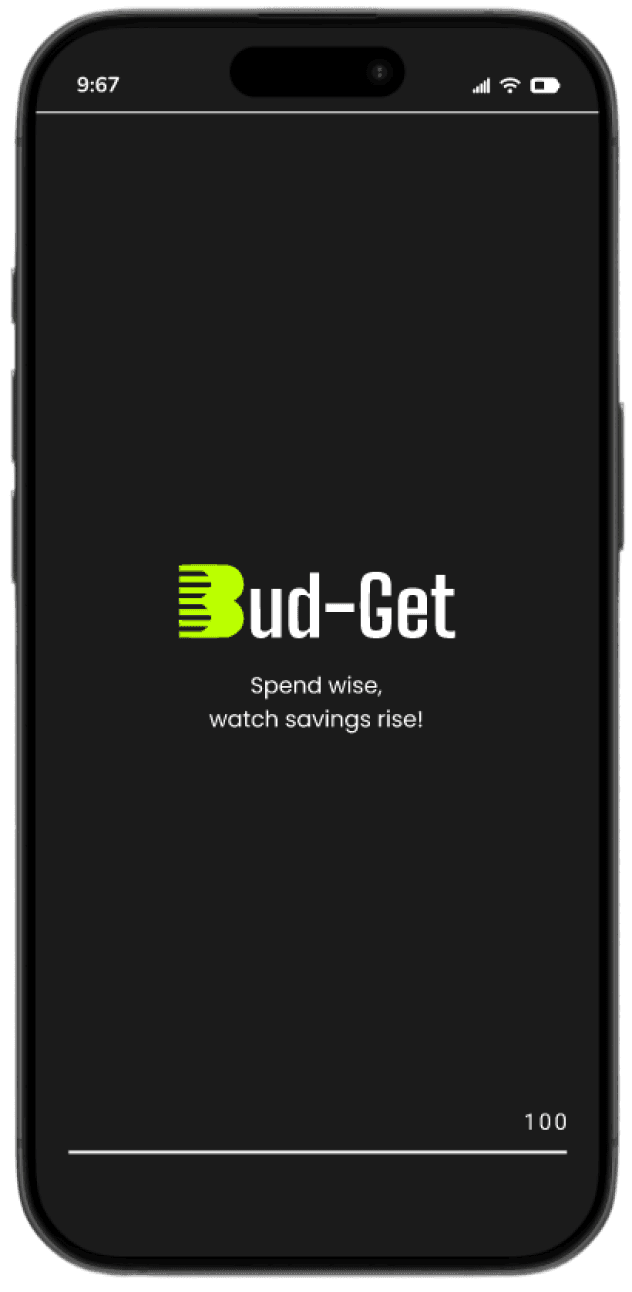
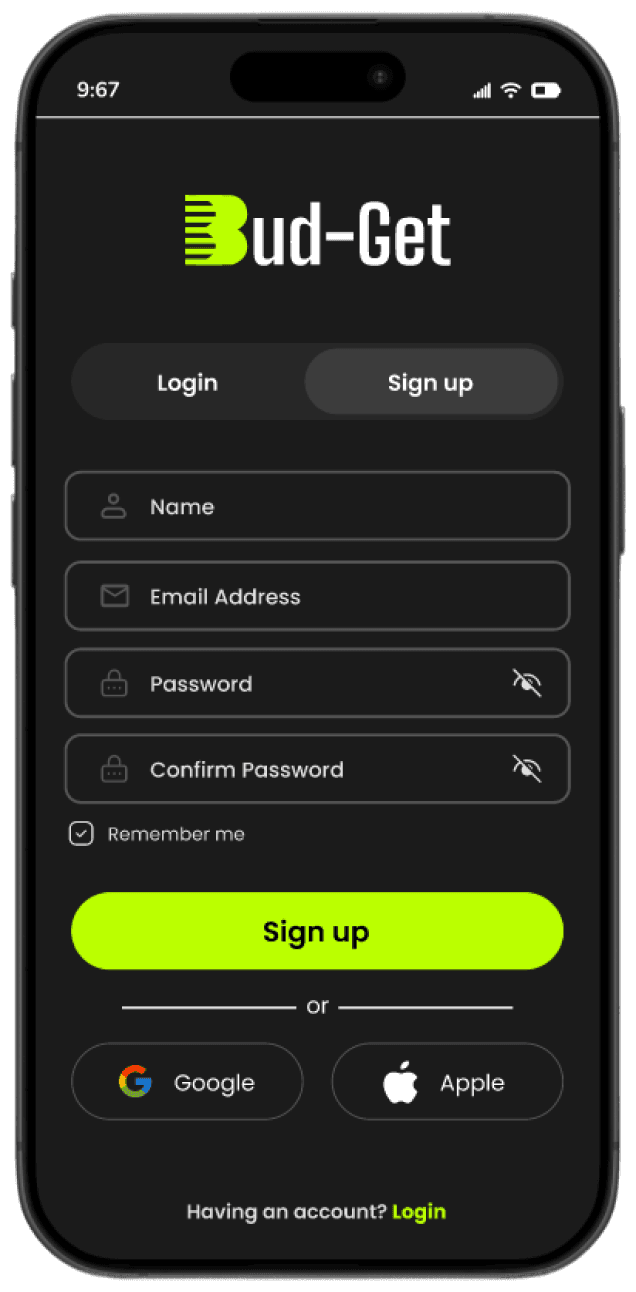
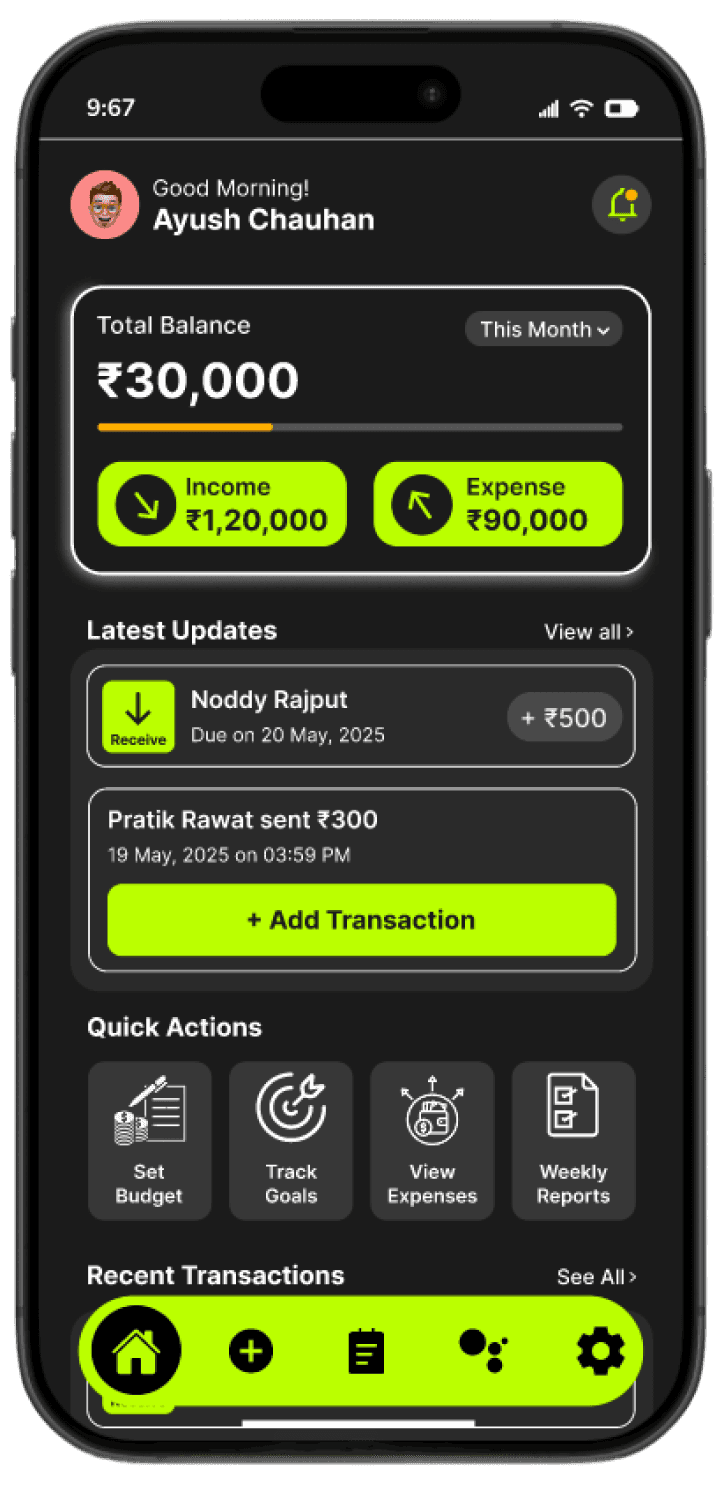
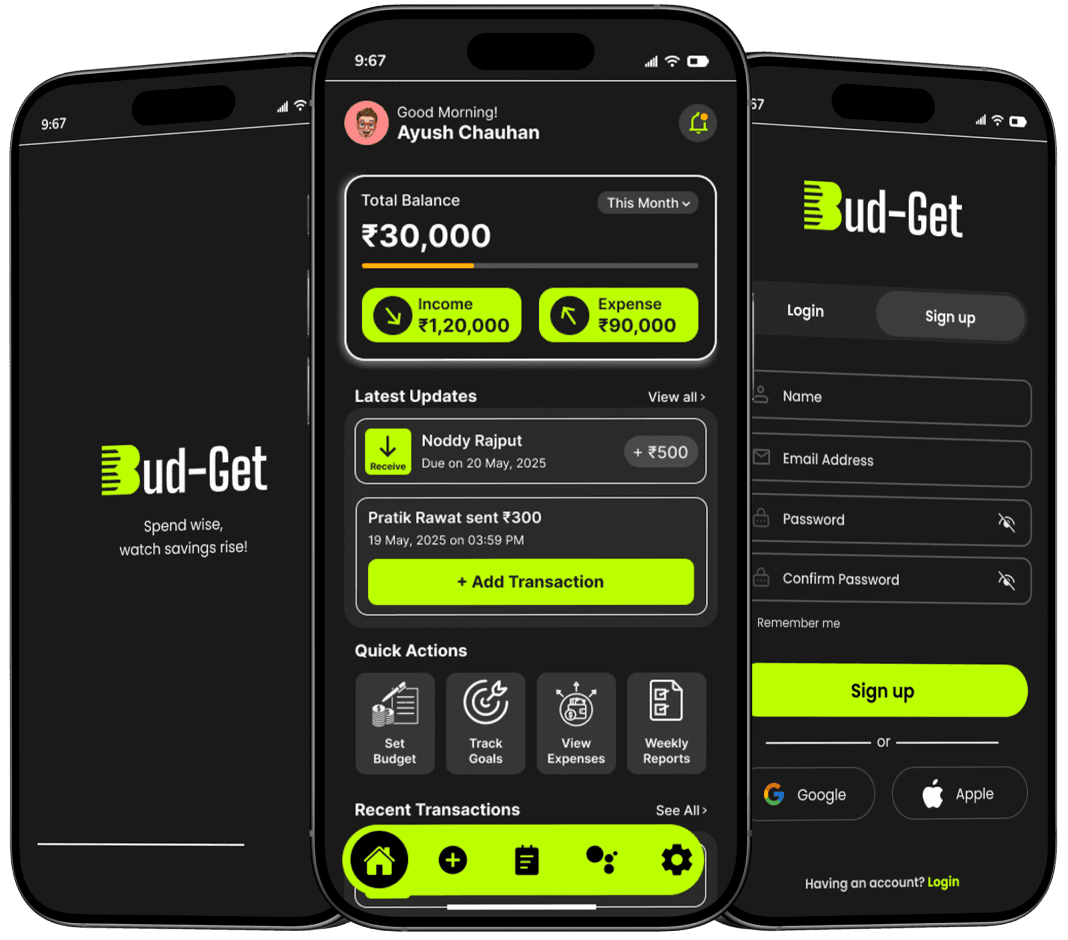
Output
3-tap expense logging - A friction-free input flow where users record any expense in under 10 seconds - amount, category, done. No mandatory notes, no extra screens, no reason to skip it.
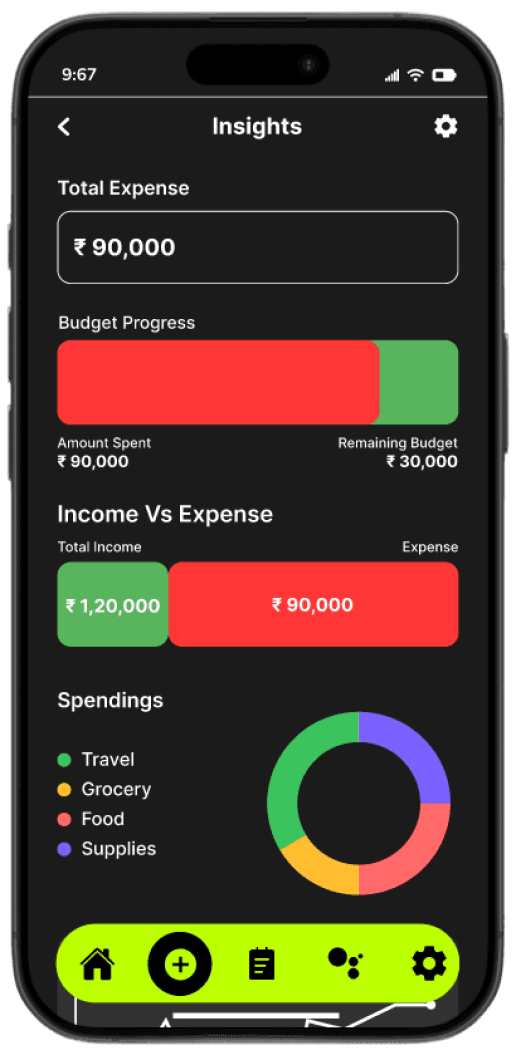
Visual spending dashboard - A single home screen that shows total balance, income vs. expense split, and budget progress at a glance - no scrolling or calculating required to understand your financial health.
Smart category system - Icon-based expense categories built around how young people actually spend - food, subscriptions, travel, hangouts - not accounting terms. Tap to select, no typing needed.
Insight charts - Pie and bar charts that turn raw spending data into readable patterns - showing percentage per category, week-on-week changes, and top spending areas without the user doing any maths.
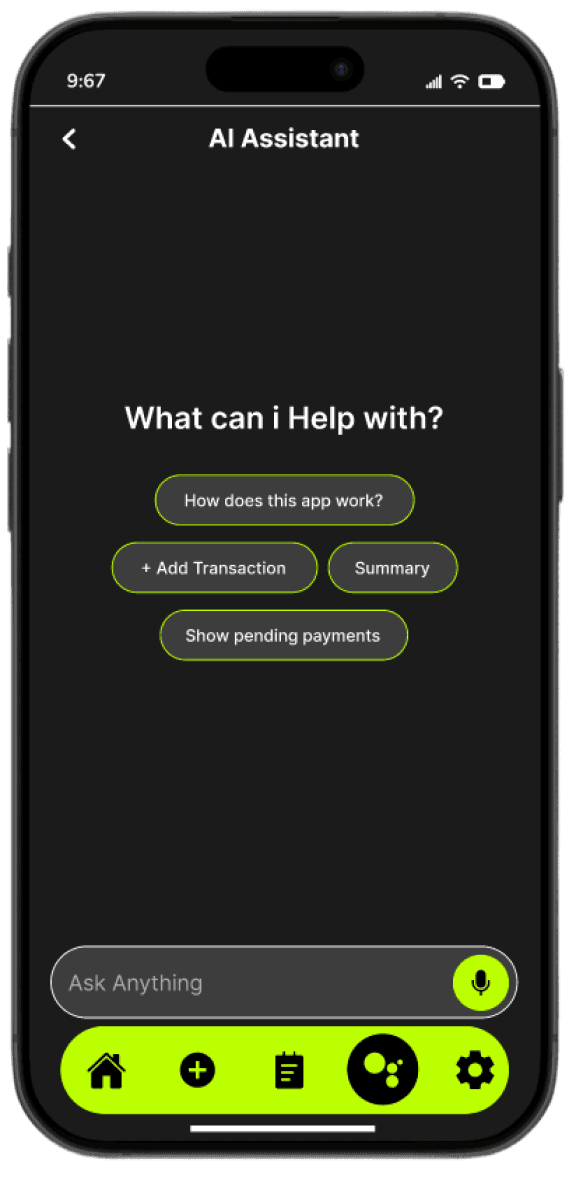
AI budget assistant - A conversational layer that answers plain-language questions like "where did most of my money go this month?" - giving direct, actionable answers instead of pointing users back to a chart.
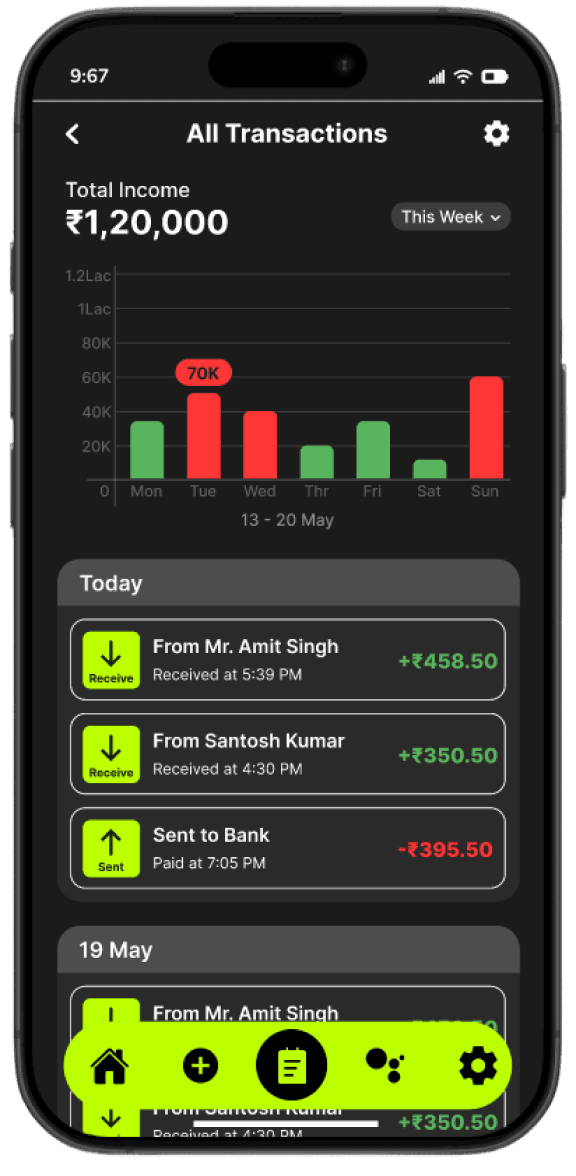
Income vs. expense tracker - A clear, colour-coded separation between money coming in and money going out - visible on the dashboard and across the transactions list, so users always know exactly where they stand.
Transaction history - A chronological log grouped by date, with visual distinction between income and expenses - scrollable, clean, and filterable for quick reference at any point in the month.
Simple Spending. Smarter Saving.
A Case Study on Designing an Intuitive Expense Tracking Experience
Research
Casual users abandon complex apps fast - your solution was a simplified, user-first design that doesn't overwhelm
Balance visibility is priority one - that's why the total balance card sits at the top of the Dashboard
Categories need to be scannable - you used icons for fast visual selection in the Add Expense screen, removing the need to read
Charts beat tables - pie and bar chart visualizations in Insights make patterns obvious instead of requiring users to interpret raw data
Users want a buddy, not a bank - this directly informed the AI Assistant screen, designed as a conversational guide, not a formal tool
Goals
Log an expense fast, with minimal taps
See their financial health at a glance on the
dashboard
Understand spending patterns through charts,
not just numbers
Get smart guidance without having to manually
analyse data
User Goals:
Build a clean, distraction-free onboarding that
communicates value immediately
Design a dashboard that separates income vs.
expenses clearly
Use the AI Assistant as a conversational layer -
not a buried feature
Design Goals:
Target Audience
Young adults, first-time earners and everyday users who find most finance apps too complicated for casual, daily use. These are people who:
Want to track money without learning a complex tool
Check their phone constantly - the app needs to fit that habit
Get overwhelmed by too much data on screen at once
Need quick answers: "How much did I spend this week?"
Problem Statement
People know they should track their spending. They just don't - because existing tools make it feel like work, not help.
Most expense tracking apps fail everyday users because they are either too complex or too passive .
Too many screens and steps just to log one expense
Data-heavy dashboards with no clear visual hierarchy
No emotional or motivational layer — just raw numbers
No intelligent assistance to help users understand their own patterns
Product
Bud-Get - Expense Tracker App
Market
18 - 35 years old
Platform
Android / iOS
Languages
English · Hindi
Bud-Get is a mobile expense tracker that turns the stress of managing money into a simple, visual, and habit-forming daily experience.
Bud-Get